




Update Agoda Account
Keeping your Agoda account information current helps avoid issues during bookings and check-ins. Many users encounter problems when their details, like names or emails, do not match travel documents or when they need to reset passwords for security.
This guide addresses these common challenges by outlining clear steps to make updates, drawing from Agoda’s official policies.
You can log in to your Agoda account here to review and update your profile.
Understanding Account Update Limitations
Agoda requires all account changes to happen on their official website at agoda.com, as the mobile app does not support modifications. This ensures security but can feel restrictive. if you try to edit details via the app, you will not find the options, so always use a web browser.
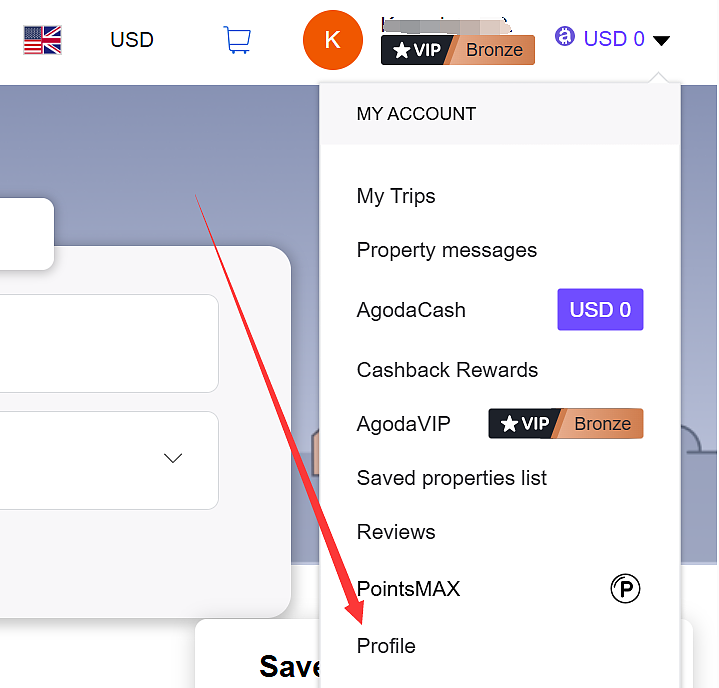
To start any update, log in to your account on the website. Go to the “My Account” section, then select “Profile.” From there, you can access user details. If you face login issues, use the “Forgot Password” link right away to regain access before attempting changes.
Updating Your Name
A mismatched name often causes check-in delays at hotels, especially for international travel where it must align with your passport. Agoda allows direct edits to fix this.
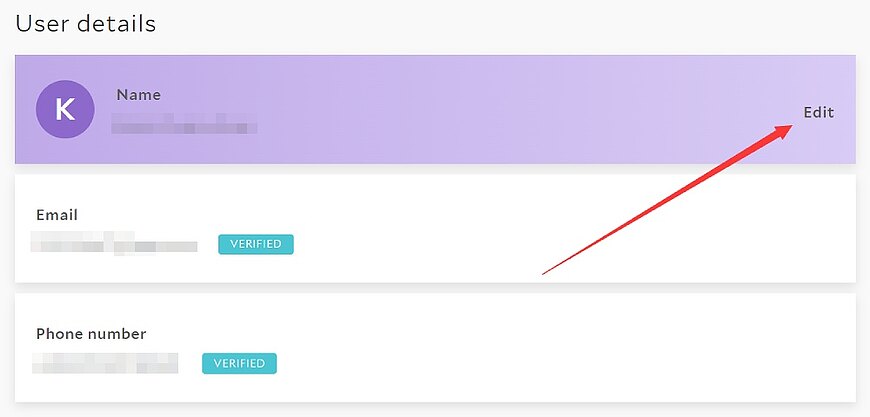
Navigate to the user details section within your profile. Enter the new name exactly as it appears on your passport in English letters. Save the changes, and they apply immediately to future bookings. For bookings made for others, specify guest names separately during reservation to avoid confusion.
If your name includes non-English characters, convert it to the Romanized version from your passport. Double-check against your ID to prevent errors. Agoda does not accept casual nicknames, so stick to official forms.
Changing Your Email Address or Phone Number
Email serves as your account’s unique identifier on Agoda, so direct changes are not allowed to maintain security and prevent unauthorized access. This policy protects against fraud but requires extra steps for updates.
One option is to create a new account with the desired email if you have no active bookings. Transfer any loyalty points or history by contacting support later if needed.
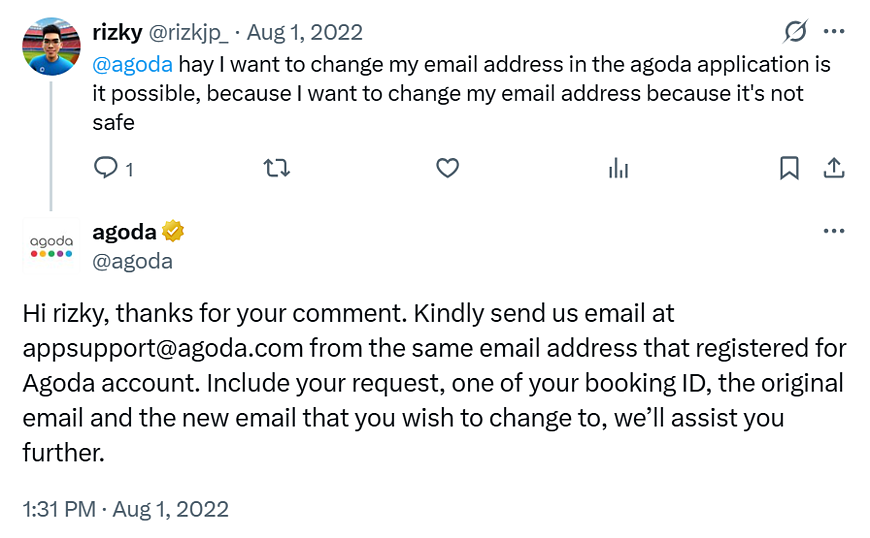
For existing accounts, you can contact Agoda customer service or send a request from your registered email to [email protected]. Include your current email, the new one, and a recent order number for verification. They typically respond within a few days and guide you through the process.
Similarly, if you need to update your phone number, you must also contact customer service via the Help Center or at [email protected].
Resetting Your Password
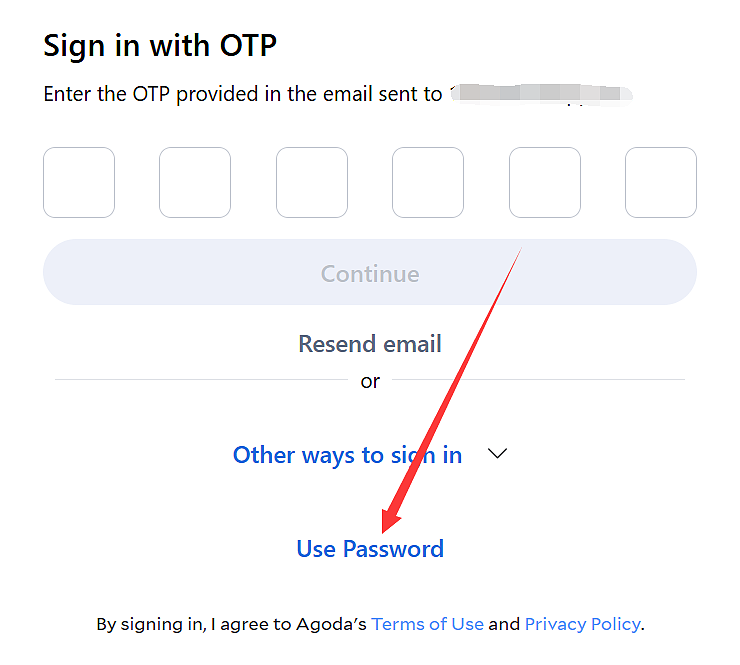
Agoda now offers One-Time Password (OTP) login as the default, allowing you to access your account without a password by receiving a code via email. This simplifies access but you can still use a traditional password for login and have the option to modify it for added security.
Passwords cannot be changed directly in your profile due to Agoda’s security measures, which aim to reduce risks from weak or compromised credentials.
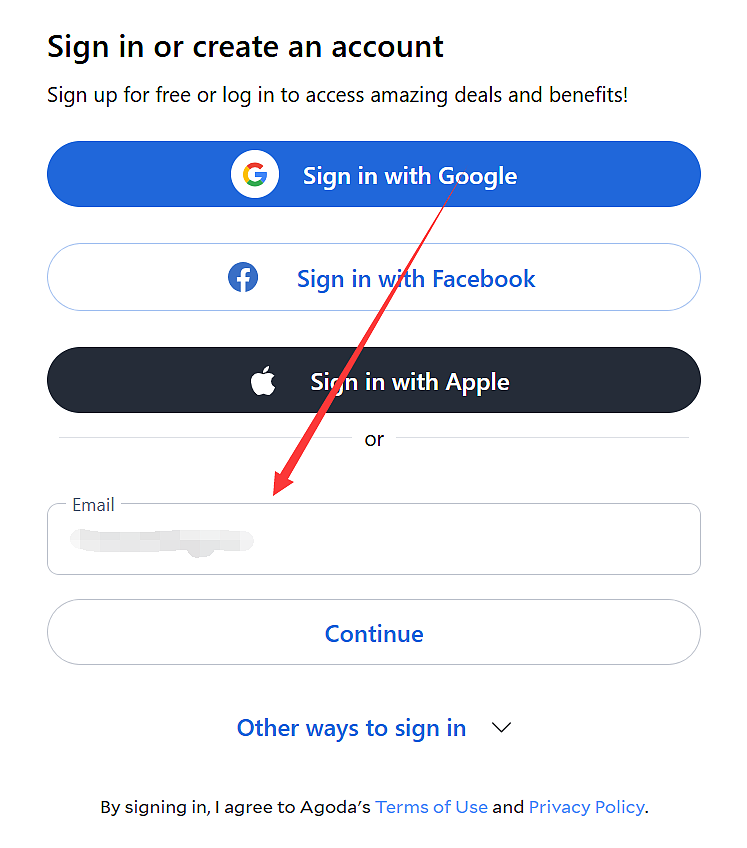
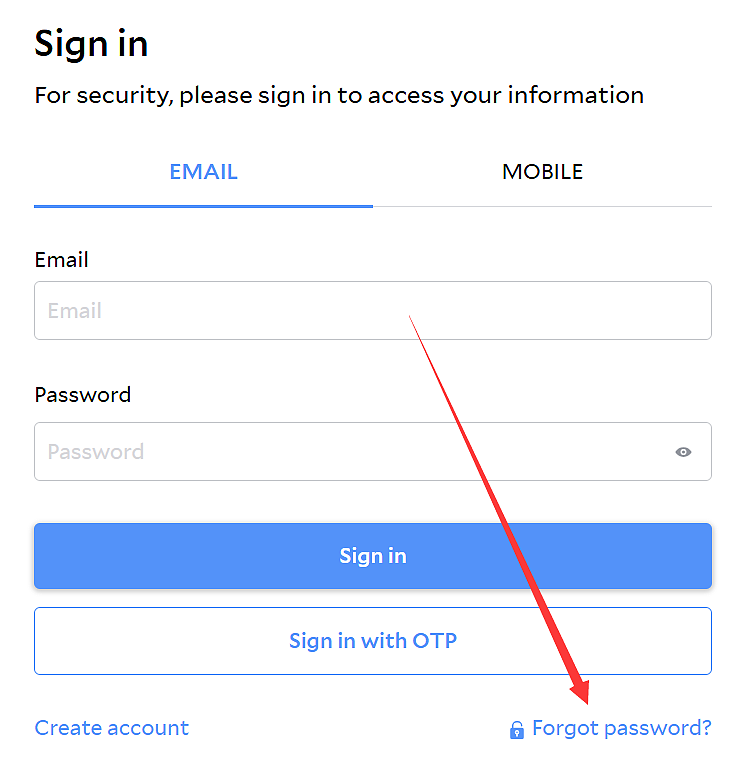
To reset, log out first if needed, then visit the login page on agoda.com. Click “Forgot Password,” enter your email, and check your inbox for a reset link. Follow it to set a new password, making it strong with a mix of letters, numbers, and symbols.
Managing Credit Card Information
Saved credit cards speed up bookings but can pose risks if outdated or if you prefer not to store them. Agoda lets you control this during transactions.
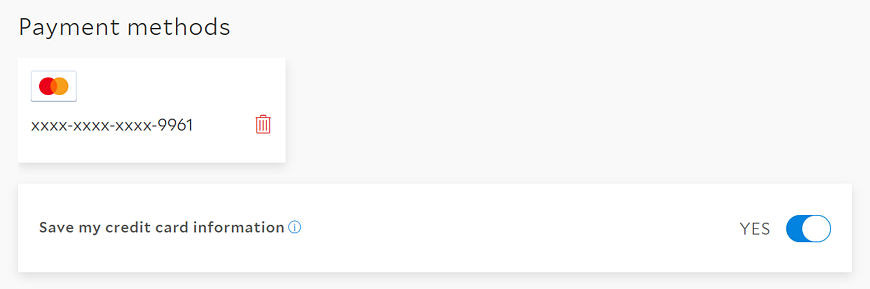
During a new booking, uncheck the “Save this card” box to avoid storage. To remove an existing card, delete it from your profile’s payment methods section, then add a new one on your next purchase—it saves automatically unless disabled.
For pre-paid bookings like “Book Now, Pay Later,” card changes require phone support. Payment processes right after, so have your new card ready.
Agoda never asks for card details via email—ignore such requests to prevent scams. Verify site security with HTTPS before entering info.
Bottom Line
In conclusion, updating your Agoda account keeps your travel plans smooth and secure. Review your details periodically, especially before trips, and contact support for complex issues. Following these steps based on Agoda’s rules minimizes disruptions and enhances your booking experience.













All Comments (0)