



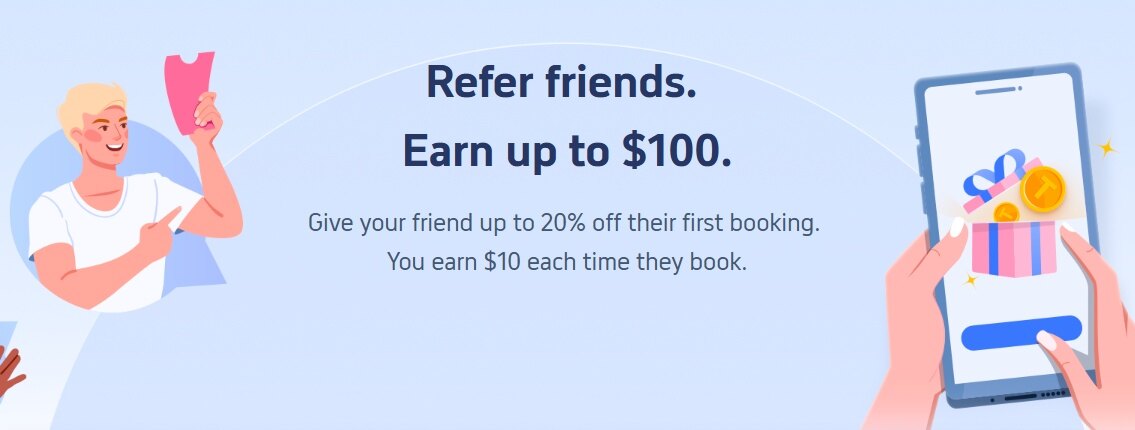
The Trip.com Invite & Earn program rewards current members with Trip Coins when they refer new users to the platform. Through this program, existing users earn $10 for each successful referral, while the new users receive discount codes for their first application booking.
The program operates using Trip Coins, the platform’s native rewards currency, where 100 Trip Coins equal $1 USD. The referral reward is deposited directly into your account as 1,000 Trip Coins.
How the Referral Process Works
To trigger the rewards, you need to share your unique referral link or code with someone who does not currently have a Trip.com account. The process follows a specific order:
- You share your referral code or link with a friend before they install the Trip.com application.
- The new user downloads the application and enters your referral code during the registration process.
- The new user completes an eligible flight or hotel booking.
- You receive your Trip Coins after the trip is completed.
To ensure the referral tracks correctly, the person you invite must enter your referral code at the exact time they register their new account. If they create an account first and try to apply the code later, the system will not recognize the referral.
If you do not have an account yet and are looking for a referral code to receive the new user discount, you can sign up using this referral link or enter the code BTV0KO during registration.
Rules for an Eligible Booking
You do not receive the reward simply because a friend creates an account. The new user must make and complete an eligible travel booking.
For a booking to qualify, the total transaction price must be at least $10 (the equivalent of 1,000 Trip Coins). The booking must also be paid for entirely on the Trip.com platform. Selecting a “pay at hotel” option during checkout will make the transaction ineligible for the referral reward.
Furthermore, the reward is only issued after the travel is actually completed. For flight bookings, the new user must arrive at their destination. For hotel bookings, the new user must check out of the property. If the user cancels their trip for any reason, the referral reward is voided.
Earning Timelines and Usage Limits
Once your friend completes their trip, the 1,000 Trip Coins will appear in your account within 3 to 14 working days. You can monitor the status of your invites by checking the “Invite & Earn” section of your account dashboard.
An invitee will show as “In Progress” until they finish their trip and meet the minimum payment requirements. Once they finish the trip, the status updates to “Completed.”
When using the Trip Coins you earn from referrals, there is a strict time limit. These specific Trip Coins expire three months from the date they are issued to your account. You should plan your own future travel within this window and apply the coins at checkout to reduce your total price. Expired coins cannot be reinstated.
Account Limits and Restrictions
Trip.com enforces strict limits on how referral codes are distributed and used. The program is built for personal sharing, meaning you cannot post your link on coupon websites, public travel forums, or distribute it via automated bots and paid advertisements.
The system also monitors device usage. Each physical device, such as a phone or computer, can only be used to register one Trip.com account. If your friend tries to create a new account on a phone that already has a Trip.com account attached to it, the referral will fail.
Finally, there is a cap on total earnings. Depending on your specific account status, you can earn rewards for up to 10 to 20 successful invites. This limits your total possible referral earnings to between $100 and $200 (10,000 to 20,000 Trip Coins).













All Comments (0)